How Does Monkey Mart Work? Top Questions Answered
Published · 6 min read

Where can you play Monkey Mart online for free?
You can play Monkey Mart online for free directly in your web browser on desktop computers, laptops, and mobile devices. The game requires no purchase, sign-up, or installation, allowing players to build and run their supermarket right away through any standard browser window.
When you launch the game, you begin with 350 cash, two planters, and an open patch of land. All supermarket operations run smoothly whether you are navigating with arrow keys or WASD on a computer keyboard, or dragging your finger across a smartphone screen.
To start managing your aisles immediately, you can play Monkey Mart without paying anything or installing extra files on your computer.
Can you play Monkey Mart unblocked on a Chromebook?
Yes, Monkey Mart runs smoothly on school Chromebooks as a lightweight browser game that does not require downloading local software. Because it runs directly inside a standard web tab, players can open the store, let it earn money, and check back between lessons without losing progress.
Many players search for Monkey Mart unblocked during study breaks because Chromebooks often prevent students from installing desktop programs or apps.
Progress is saved automatically in your browser's local cache on that specific computer. If you switch to another device, clear your browser history, or use an incognito window, the save resets because the title does not use cloud accounts.
Do you need to download Monkey Mart to play?
No, you never need to download or install Monkey Mart on your computer or phone to play it. The entire tycoon operates through modern web browsers using HTML5 technology, keeping your device storage free while loading your saved supermarket in seconds.
Developer TinyDobbins created the game with zero installation barriers, eliminating long setup files, third-party launchers, and manual update patches. You can jump directly into the supermarket action from any supported browser whenever you want to check on your store.
Because there are no large files to store, the game loads quickly even on slower school or office connections, allowing you to resume stocking displays without unnecessary waiting.
How do you move and harvest crops in Monkey Mart?
You control your monkey using the arrow keys or WASD on a keyboard, or by dragging a finger across a mobile touchscreen. To harvest crops, walk under the banana trees or next to planters and stand completely still until the stack on your head fills.
A common mistake for beginners is pressing keys repeatedly while trying to hurry a harvest. In Monkey Mart, standing still is the only way your character interacts with the environment; tapping a movement key interrupts the harvest or stocking action immediately.
The optimal movement rhythm is simple: walk directly to the crop, release the keyboard keys, wait for the fruit or vegetables to stack onto the monkey's head, and then steer directly to the matching display shelf to unload.
Why are customers leaving your store without paying?
Customers leave your store without paying because the checkout line has become too long and no one is attending the register counter. When shoppers finish collecting items from shelves and find an unattended checkout, they eventually abandon their purchases and walk out of the market.
In Monkey Mart, revenue only enters your balance when transactions are completed at the checkout register. If you spend too much time walking between crops and shelves, waiting shoppers will lose patience, and your profits will stall.
You can keep customer queues moving using two proven approaches:
- Serve the counter manually: Walk behind the register counter and stand still until the queue clears, then collect the bills that drop on the counter surface.
- Hire an automated cashier: Click the staff icon at the top right of your screen and purchase a cashier, who permanently manages customer checkout lines for you.
What do gems do and how do you earn them in Monkey Mart?
Gems are a secondary currency in Monkey Mart used to complete green building arrows instantly or upgrade worker speed and carrying capacity permanently. Unlike regular coins, gems do not come from customer supermarket sales, but are awarded through reward buttons and gameplay milestones.
While it can be tempting to spend gems to rush expensive building plots, the best strategy is investing gems into your workforce. Upgrading a worker's walking pace or carrying load provides permanent efficiency gains across your entire supermarket floor.
Because gold cash replenishes every minute as shoppers buy produce, spending gems to skip cash requirements is wasteful. Reserve your gems for staff improvements to maximize long-term store productivity.
What should you build and upgrade first in Monkey Mart?
When starting a new market, build the checkout counter for 100 cash first, followed by the banana shelf for 200 cash, before picking fruit from the trees. Hiring a cashier should be your top staffing priority before unlocking any secondary crops.
Following an efficient purchase order prevents bottlenecks and keeps your business growing steadily:
- Build the checkout counter (100 cash): Customers cannot pay without a register, so placing the checkout counter first ensures no shopper leaves empty-handed.
- Build the banana shelf (200 cash): You need an active shelf to place picked bananas before customers can buy them.
- Hire a cashier: Tending the register is the only task that cannot be avoided, so an automated cashier frees your time for harvesting and expanding.
- Buy Boots of Speed: Open the monkey upgrade icon in the top right to boost movement speed, which speeds up every walking trip across the store.
- Increase stack capacity: Expand how many items your monkey can carry once longer delivery distances make larger trips worthwhile.
How do food processing machines and recipes work?
Food processing machines transform raw farm crops and animal ingredients into high-value supermarket items that sell for greater profits than base crops. You feed harvested resources into specialized production stations, which convert them into products like peanut butter, bread, yogurt, ice cream, and chocolate.
Processed foods earn significantly more cash per customer than raw harvests. For example, peanut butter outsells raw peanuts, baked bread outsells flour, and ice cream outsells fresh milk.
| Raw Crop or Resource | Processing Station | Finished Supermarket Product |
|---|---|---|
| Fresh Bananas | Banana Display Shelf | Raw Fruit |
| Corn | Corn Planters | Corn and Chicken Feed |
| Chickens | Chicken Coop | Fresh Eggs |
| Peanuts | Peanut Butter Machine | Jarred Peanut Butter |
| Coffee Beans | Coffee Station | Brewed Coffee |
| Wheat | Mill and Bakery Oven | Fresh Bread |
| Cows (Milk) | Dairy Machines | Yogurt and Ice Cream |
| Cocoa | Chocolate Machine | Sweet Chocolate |
Always obey the golden rule of store expansion: unlock one product line at a time. A new planter without its corresponding shelf earns nothing, so build the crop, build the shelf, and route it through a machine before starting another aisle.
How do you unlock new supermarket locations in Monkey Mart?
You unlock a new supermarket location by building all available display shelves, crop stations, and processing machines until your current store can run on its own. Once your market operates smoothly without manual intervention, the game presents a new location to build from scratch.
Monkey Mart has no game-over screen or penalty timers, meaning you can expand at your own comfortable pace. Standing on each green purchase arrow gradually drains your stored coins until the next department or machine is constructed.
As you hire floor workers to tend plants and restock displays alongside your cashier, the store transitions into a fully automated enterprise. Once every aisle is operational, stepping into the new store location starts the tycoon loop again with higher prices and advanced production chains.
What browser tycoon games are similar to Monkey Mart?
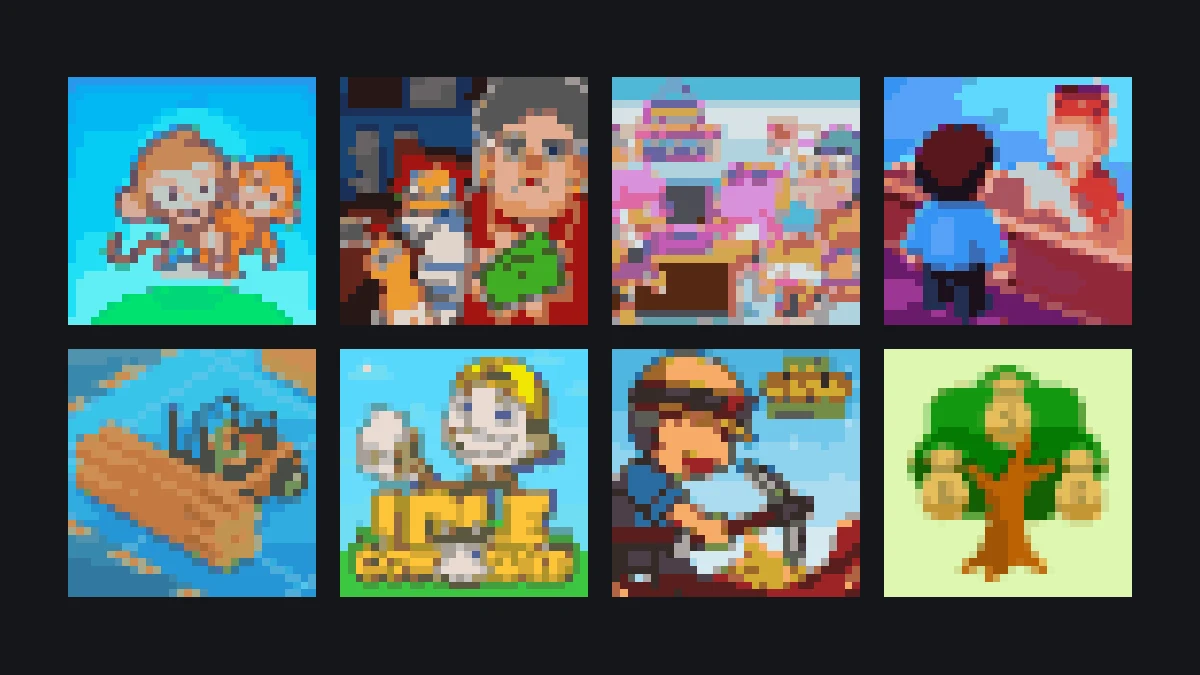
Players who enjoy managing aisles and restocking shelves in Monkey Mart will enjoy browser tycoons like My Super Tiny Market, Funny Shopping Supermarket, and Idle Cowshed. These games feature the same core loop of harvesting resources, managing customer traffic, and upgrading store automation.
If you are looking for more casual management games to keep open in a tab, explore these similar titles:
- My Super Tiny Market: Focuses on compact grocery store layouts, rapid restocking, and fast checkout counters.
- Funny Shopping Supermarket: Lets you guide store operations and serve quirky customer requests in a colorful retail setting.
- Idle Cowshed: Concentrates on dairy farming, animal care, and processing milk products into profitable goods.
- My Perfect Hotel and Idle Lumber Inc: Broaden the management loop to hospitality and timber production with steady worker automation.
More from the blog
- Monkey Mart Guide: What to Build First and How the Product Chain Works
The order the store unlocks in, why the checkout counter comes before the trees, and how bananas turn into a shelf of bread, coffee and ice cream.
- Monkey Mart Controls, Tips and Fixes for Chromebook
Arrow keys or WASD, why the monkey stops picking when you tap a key, how to keep the queue short, and what to do when the game opens on an old save.